
Put plans, documents, maps, and live video side by side.
Support field and command work with document viewing, rich text authoring, configurable multi-view layouts, local or streaming video playback, and connections to authorized public-safety cameras, vehicles, or UAS feeds.
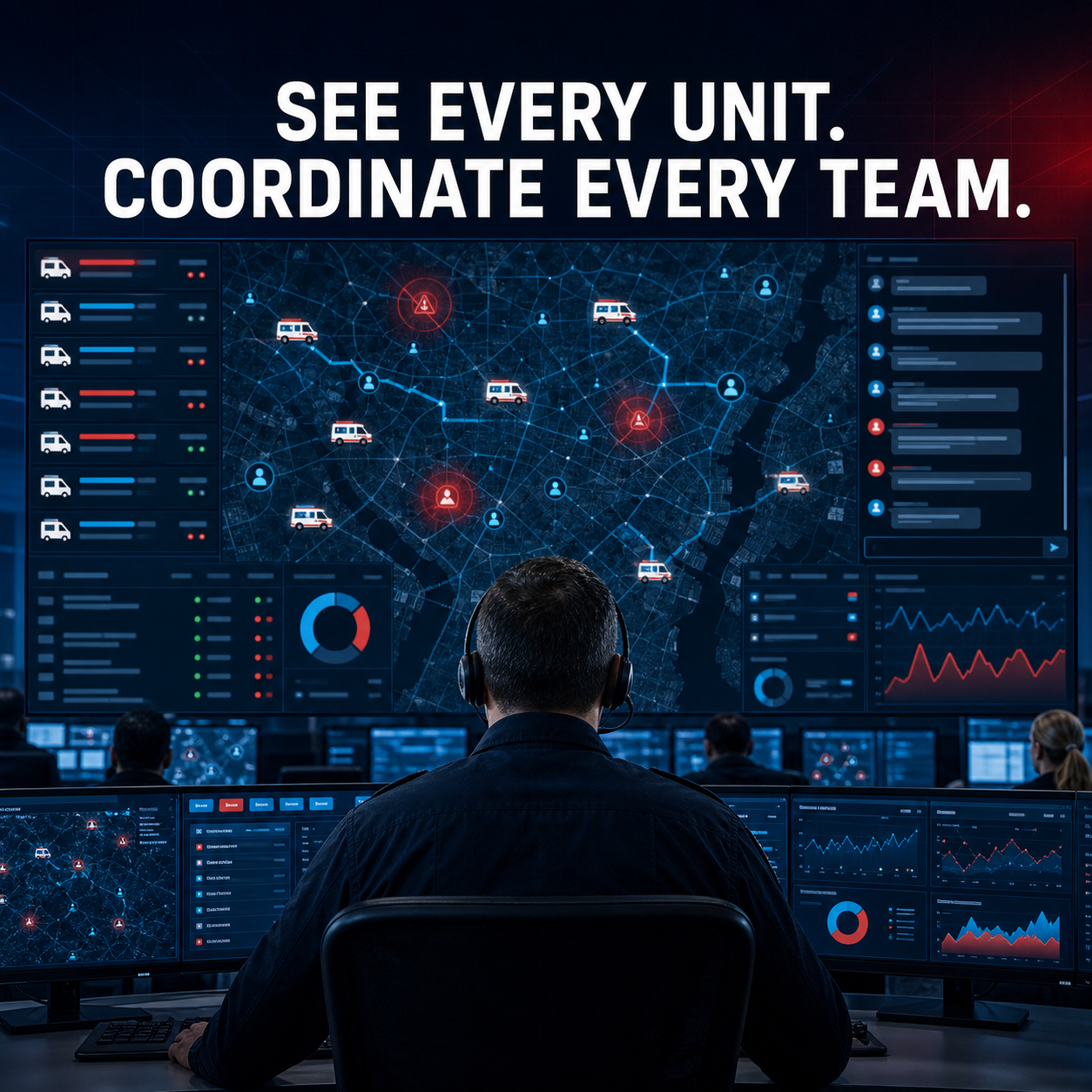
Keep operational reference material inside the field workflow.
Crews and command personnel can work with incident plans, facility guides, procedures, maps, and authored notes without constantly switching applications.
PDF viewing
01
Open PDF content with page navigation, zoom, search-oriented controls, and annotation pathways in the field UI.
EPUB and Office content
02
Use configured platform viewers for EPUB and common Office documents such as word-processing, spreadsheet, and presentation files.
Rich text authoring
03
Create formatted operational content with headings, lists, links, images, tables, word counts, voice input, and supported export paths.
Multi-view workspace
04
Place map, web content, PDF, rich text, or video in resizable primary and secondary views for side-by-side work.
Incident attachments
05
Associate governed documents and media with the appropriate incident, form, patient-care, or operational record.
Offline document intelligence
06
On Windows and Android, privately search supported local documents, ask grounded questions, create summaries, and verify page, chapter, heading, or passage citations. Explore on-device AI →
Bring authorized camera and UAS feeds into the operating picture.
The video layer provides local and network playback, connection state, stream metadata, snapshots, and configurable recording pathways for approved sources.
Public-safety cameras
01
Connect configured IP, network, USB, vehicle, equipment, or surveillance sources using supported protocols.
UAS and drone feeds
02
View authorized unmanned-aircraft streams for incident awareness where the UAS program, network, and policy permit.
Playback and status
03
Control playback, buffering, volume, fullscreen, resolution, frame rate, bitrate, latency, and connection status.
Snapshots and recording
04
Capture or record configured streams subject to evidence handling, retention, privacy, and storage controls.
Map-and-video view
05
Pair live video with geospatial and incident context in a resizable multi-view operator workspace.
Useful content still needs controls.
Deployment design defines who can open a source, what may be captured, how media is associated, where it is stored, and how long it is retained.
Source authorization
ACCESS
Approved endpoints, network boundaries, credentials, roles, and least-privilege access.
Chain and retention
EVIDENCE
Association, timestamps, integrity, storage, export, retention, and deletion policy.
Operator attention
SAFETY
Layouts, latency, labeling, failure states, and operational procedures designed for the work environment.
Show us the documents, cameras, UAS feeds, and command workflow.
We will map viewers, protocols, access, storage, evidence handling, network constraints, and the field or command layout.