
Connect ambulance operations to TAK Server and the TAK ecosystem.
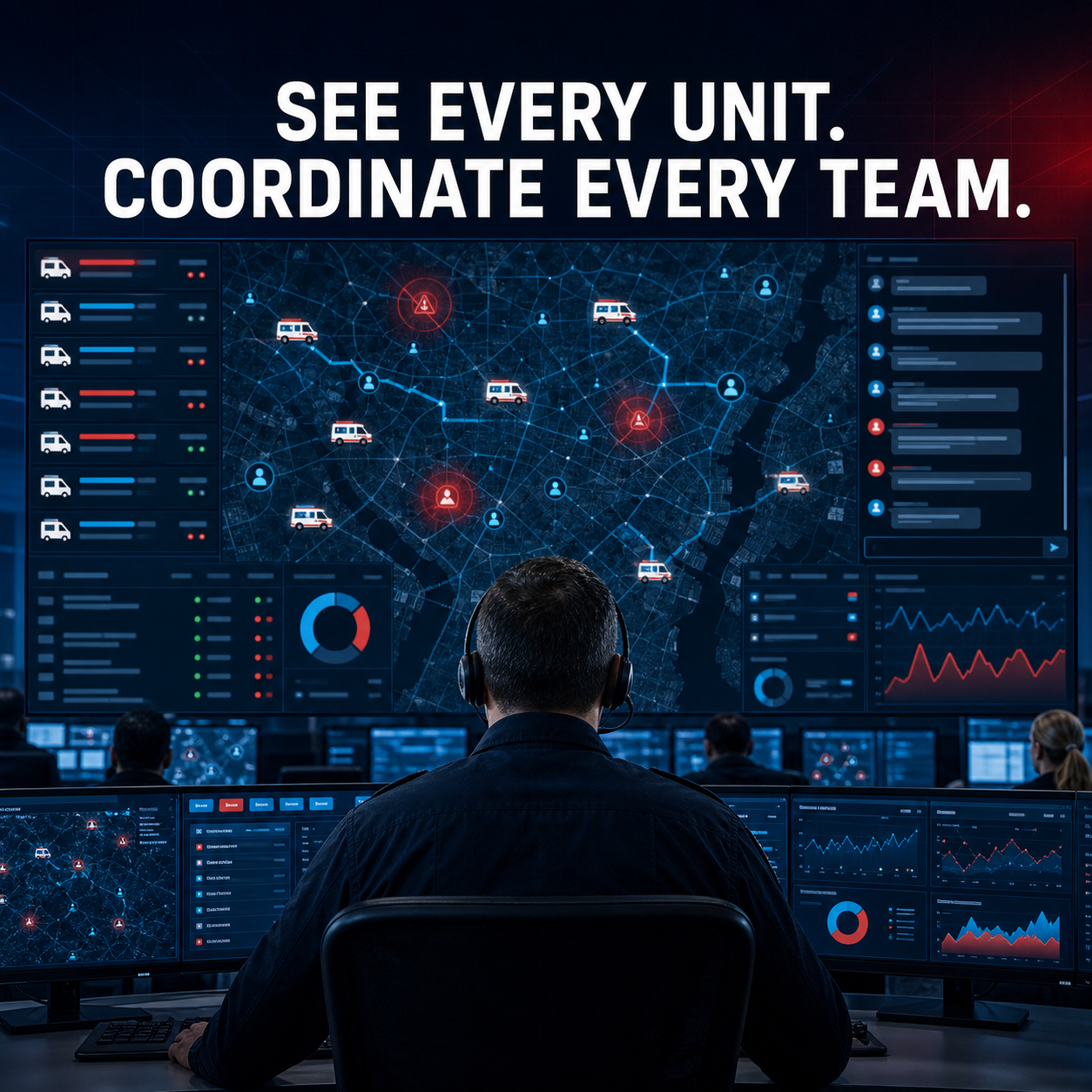
Coordinate web command users and native Android, iOS, and Windows teams with ATAK, iTAK, WinTAK, and other TAK-enabled solutions through an agency-controlled TAK Server.
TAK Server 4/5.x
Supported platform or deployment profile.
ATAK
Supported platform or deployment profile.
iTAK
Supported platform or deployment profile.
WinTAK
Supported platform or deployment profile.
Other TAK clients
Supported platform or deployment profile.
Let dispatch, ambulance crews, command, and partner responders coordinate across app boundaries.
The TAK integration worker connects CAD/RMS incident and resource events to the TAK Mission API and bidirectional Cursor on Target stream. TAK-sourced positions and response messages return to the platform for web and native users.
Position location information
01
Publish ambulance unit PLI as friendly-force Cursor on Target markers and ingest TAK-user positions into platform resource tracking.
BFT and team tracking
02
Bring platform resources and TAK callsigns into a shared blue-force/team-tracking view for dispatchers, crews, command staff, and mutual-aid partners.
Incident missions and markers
03
Create a TAK mission for each configured call and share a CoT marker with incident number, priority, status, address, location, and operational description.
GeoChat
04
Record incident-mission GeoChat responses such as responding, on scene, en route, or copy as dispatcher-visible notes and realtime updates.
Emergency coordination
05
Publish emergency-priority calls with the TAK emergency-alert marker and preserve alert context for connected teams.
Geofencing and operational zones
06
Use platform geofences and operational zones alongside TAK spatial data. Automatic bidirectional TAK mission-geofence synchronization is scoped and validated for the selected TAK deployment.
Data sharing
07
Share released mission and CoT payloads in the core connector, with additional data packages, markers, layers, or agency-specific TAK modules configured and acceptance-tested for the deployment.
Cross-platform participation
08
Expose the common operating picture to ambulance-platform users on the web, Android, iOS, and Windows while TAK users remain in their preferred TAK-enabled applications.
TAK Server is the trusted coordination bridge.
CAD incident changes are delivered through a durable outbox to a dedicated TAK worker. The worker uses the Marti Mission API and an mTLS-protected CoT stream to exchange operational context with enrolled TAK clients.
- Official TAK Server 4/5.x integration
- Mission API over HTTPS with client certificate
- Bidirectional XML CoT over authenticated WebSocket
- Idempotent delivery, retries, dead-letter monitoring, and manual resync
- Encrypted mission tokens and controlled integration permissions
Use the apps each team already trusts.
The platform does not require every partner to adopt the same user interface. TAK Server preserves a shared exchange layer across operational roles and organizations.
Dispatch & command
WEB
See TAK-sourced resources, incident activity, GeoChat-derived notes, and shared operational context in browser workspaces.
Native field & ATAK
ANDROID
Ambulance crews can use the native platform while ATAK users coordinate through the same TAK Server deployment.
Native field & iTAK
iOS
iPhone and iPad users can participate through the ambulance application or iTAK according to role and workflow.
Native field & WinTAK
WINDOWS
Windows vehicle and command users can work in the ambulance application or WinTAK while sharing response context.
Enable TAK deliberately and validate the agency profile.
TAK integration is disabled by default because incident locations and operational data cross the platform boundary. Production enablement requires an approved TAK Server, enrolled service identity, certificates, data policy, callsign/resource mapping, and acceptance testing.
- Agency-operated or approved TAK Server
- mTLS client certificate and private CA validation
- Incident and unit type mappings
- Callsigned resource linking and unknown-user policy
- Approved geofence, data-package, retention, and egress scope
Core connector versus configured extensions
CLEAR PRODUCT BOUNDARY
The released connector covers incident missions, CoT markers, bidirectional positions, GeoChat-to-incident notes, and emergency markers. Automatic TAK mission geofences, file/data-package attachments, protobuf feeds, and agency-specific plugins require additional configured modules or validation.
TAK context strengthens the full response.
Connect shared awareness to dispatch, mapping, field operations, live video, and the broader integration architecture.
Dispatch
CAD
Publish incident missions and receive partner response context.
Mapping & navigation
MAP
Combine platform layers, positions, operational zones, and routes.
Live video
ISR
Pair the operating picture with configured UAS and camera feeds.
Integrations
API
Define TAK alongside GIS, identity, NG911, and partner interfaces.
Bring your TAK Server profile, client mix, missions, data policy, and coordination workflow.
We will map PLI/BFT, incident missions, markers, GeoChat, emergencies, geofencing, data sharing, identity, certificates, and operational acceptance tests.