
Connect the operation—without creating another silo.
Use the platform’s released APIs and standards surfaces, then validate the country-, customer-, and vendor-specific interfaces required for production.
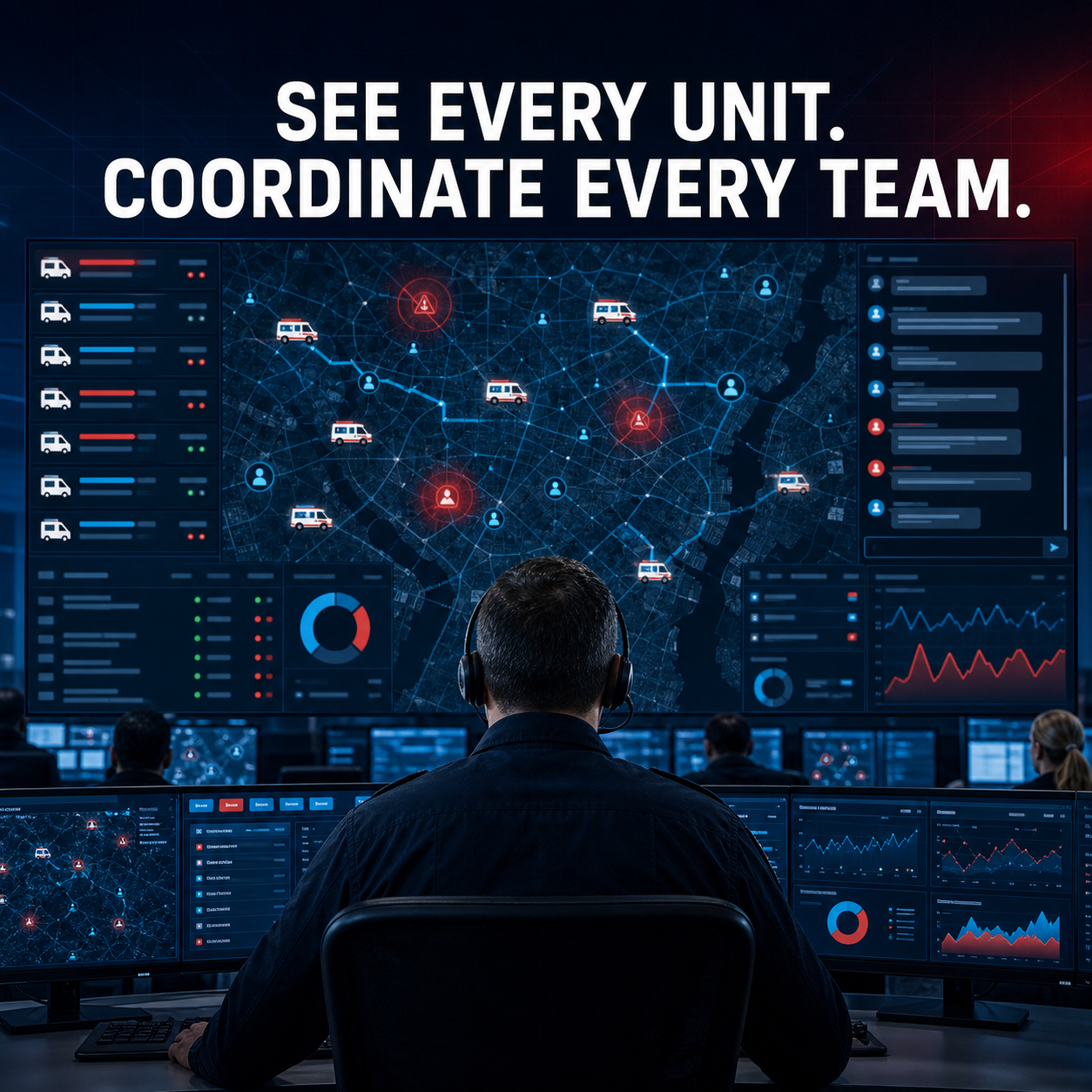
A clear boundary between product capability and deployment work.
Every interface is cataloged as released, validated for a named system, configured for the engagement, or planned. That keeps proposals accurate and integrations supportable.
- REST APIs and database-backed webhooks
- Signed outbound delivery and persisted retry history
- Authenticated inbound incident creation
- Realtime WebSocket event distribution
- Customer-specific integration acceptance tests
Four labels. No vague “open API” promises.
INTEGRATION STATUS MODEL
- Released: available in the supported product
- Validated: tested against a named external product or profile
- Configured: delivered and accepted for a specific engagement
- Planned: roadmap only, not in the commercial baseline
Federate databases, GIS services, and SaaS records under one governed control plane.
Use PostgreSQL and OGR Foreign Data Wrappers for approved database and geospatial sources, plus supervised Nango synchronization for configured API records.
- PostgreSQL, PostGIS, and Steampipe through
postgres_fdw - WFS, OAPIF, and Esri FeatureServer query through
ogr_fdw - Nango webhooks, cursor sync, retries, and private JSONB caches
- Admin-only source lifecycle, audit, freshness, and publication
- Clear separation from optional infrastructure service-mesh deployment
Operational interfaces already in the core.
Availability still depends on deployment configuration, credentials, infrastructure, and acceptance testing.
Webhooks & APIs
Durable webhook subscriptions, encrypted signing secrets, delivery history, retries, outbound signing, and supported inbound incident creation.
NG911
Authenticated NG911 lifecycle and delivery paths for configured emergency-communications workflows.
GIS & OGC
PostGIS, OGC API Features, OGC vector tiles, CQL filters, MapLibre, and administrative GIS import/publishing workflows.
Esri compatibility
FeatureServer query compatibility and StreamServer-style live incident and unit feeds for configured Esri consumers.
TAK Server & TAK apps
Two-way TAK Server 4/5.x integration for ATAK, iTAK, WinTAK, and other TAK-enabled clients: incident missions, Cursor on Target markers, PLI/BFT positions, GeoChat, emergency context, and configured operational-zone or data-sharing workflows. Explore TAK interoperability →
Realtime clients
Authenticated WebSockets with user, role, department, incident, and assignment-aware routing.
Analytics exchange
Scheduled Postgres-to-DuckDB ETL, CSV performance exports, trend/hotspot APIs, and reporting surfaces.
Documents & live video
Configured document viewers plus RTSP, RTMP, HLS, HTTP, SRT, USB, vehicle, public-safety camera, and UAS stream sources subject to platform and agency controls.
On-device and connected AI
Offline in-app document analysis with a no-cloud baseline, plus optional enterprise or external AI providers behind explicit model, network, privacy, provenance, and failure boundaries. Explore on-device AI →
FDW & Nango data mesh
Disabled-by-default administration for PostgreSQL/PostGIS, Steampipe, WFS, OAPIF, Esri FeatureServer query, transactional caches, controlled spatial publication, and supervised Nango record ingestion. Explore the data mesh →
TAK users and ambulance-platform users can coordinate in the same response.
A TAK integration worker bridges CAD/RMS incident and resource events with an agency-controlled TAK Server using the Mission API and bidirectional Cursor on Target streams.
- CAD incidents become TAK missions and CoT markers
- Ambulance unit positions publish as friendly-force markers
- TAK user positions appear in platform resource tracking
- Incident GeoChat can become dispatcher-visible incident notes
- Emergency-priority incidents publish TAK emergency markers
Fit the platform to the local ecosystem.
These are implementation categories—not claims that every vendor or national profile works out of the box.
Hospital & EHR exchange
01 / HEALTH
Scope FHIR, HL7 v2, NPHIES, national exchange, facility directory, pre-arrival, and handoff requirements with clinical governance.
ePCR & reporting
02 / CLINICAL
Define country or state datasets, NEMSIS profiles, validation rules, clinical forms, signatures, addenda, and submission workflows.
Vehicle & medical devices
03 / DEVICES
Validate rugged computers, routers, mounts, printers, telemetry, and device interfaces for the selected operating environment.
SSO & access
04 / IDENTITY
Map customer identity, MFA, roles, departments, partner access, session policy, and lifecycle management.
Telecom & notifications
05 / COMMUNICATIONS
Integrate approved SMS, email, radio, telephony, push, or public-safety broadband services instead of simulating unavailable channels.
Billing & enterprise
06 / BUSINESS
Connect scheduling, CRM, billing, workforce, asset, data warehouse, and customer-specific systems through an agreed contract.
Plan the interface before promising it.
Integration question
No. The product provides integration foundations, but each EHR, hospital network, exchange profile, consent model, and data-sharing agreement must be scoped, implemented, and accepted for the deployment.
Integration question
Potentially. The data ownership, event model, source of truth, latency, failure behavior, and support boundary must be defined before choosing coexistence, phased migration, or replacement.
Integration question
Yes. A reference configuration can combine rugged computers or tablets, vehicle connectivity, mounts, mobile printers, and the platform under a reseller, managed-service, co-brand, or white-label model.
Integration question
The agreement identifies an owner for the external system, adapter, monitoring, credentials, changes, support escalation, and regression testing. This is usually shared between the product team and implementation partner.
Bring the systems, devices, and data exchanges you must support.
We will classify each interface, define ownership, and build a realistic integration sequence for the pilot and production release.